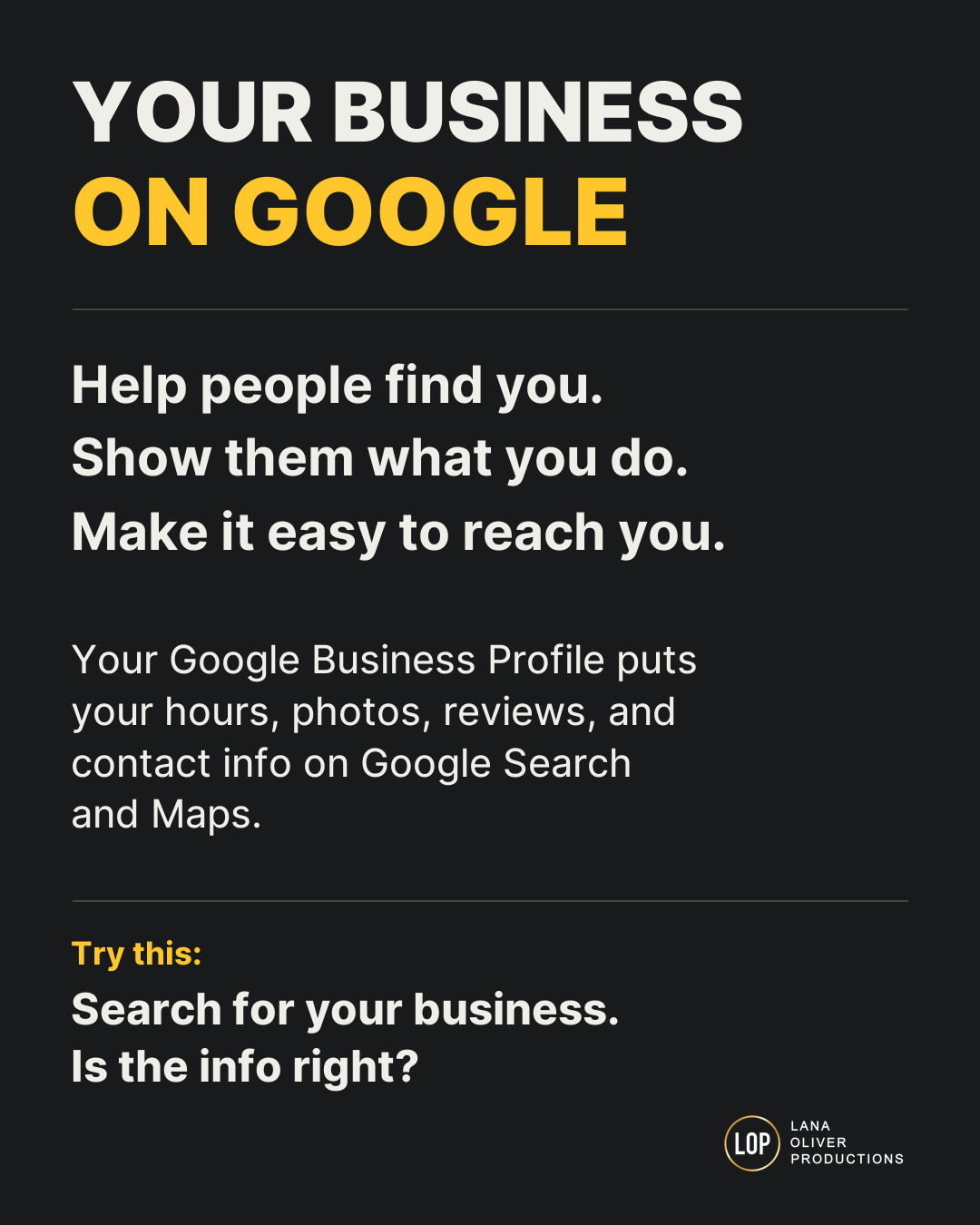
Your Google Business Profile helps people find your business on Google Search and Maps. It shows what you do, where you work, when you’re open, and how to reach you.
To make it useful, you need more than a business name and a few photos. You need the right details, working links, honest reviews, and a plan to keep it up to date.
This guide walks you through what to check and why each step matters.
What is Google Business Profile supposed to do?
Google Business Profile is a free tool for eligible businesses that serve customers in person. It helps you manage the business details people see on Google Search and Maps.
People may use your profile to:
- Check your hours.
- See what you offer.
- Read reviews.
- Look at photos.
- Call your business.
- Get directions.
- Visit your website.
- Book or place an order, when those options are available.
Some people may take these steps without ever visiting your website. That makes your profile an important part of their first look at your business. Learn about Google Business Profile.
Why does Google Business Profile matter?
Think about someone looking for a business like yours.
They find your profile. Your hours say you’re open. They drive over, but the doors are locked.
Or they tap your website link and land on a page that no longer works.
You may do great work. But wrong details can make it hard for people to choose you.
A clear, current profile helps people find answers and take the next step with less trouble.
For a shop in Baton Rouge, that may mean finding the right entrance. For a plumber who visits homes, it may mean knowing which towns the business serves.
Your Google Business Profile checklist
1. Make sure your business controls the profile
Your business should keep primary ownership through a Google Account it controls.
Give staff and outside help their own access. Keep your password private. Check who still has access when someone leaves.
Why it matters: You need to be able to fix your profile when your phone number, location, or hours change. You should not have to track down a former worker to do it. Google’s guide to owners and managers.
2. Finish getting verified
Verification helps Google check that you can act for the business.
Use the method Google offers your profile. Google chooses the available options, and some businesses need more than one step.
After you send what Google asks for, check the result. Sending it does not mean you’re approved.
Why it matters: You need verification to manage key parts of your profile and respond to customers. How to verify your business.
3. Use your real business name
Use the name customers know from your signs, website, and other business materials.
Do not add a string of services or city names just to show up in more searches.
For example, a business called “Oak Street Plumbing” should use its real name. Adding “Best Cheap Emergency Plumber Baton Rouge” can break Google’s rules.
Why it matters: The name should help people know they found the right business. Google’s business information rules.
4. Check the address and map pin
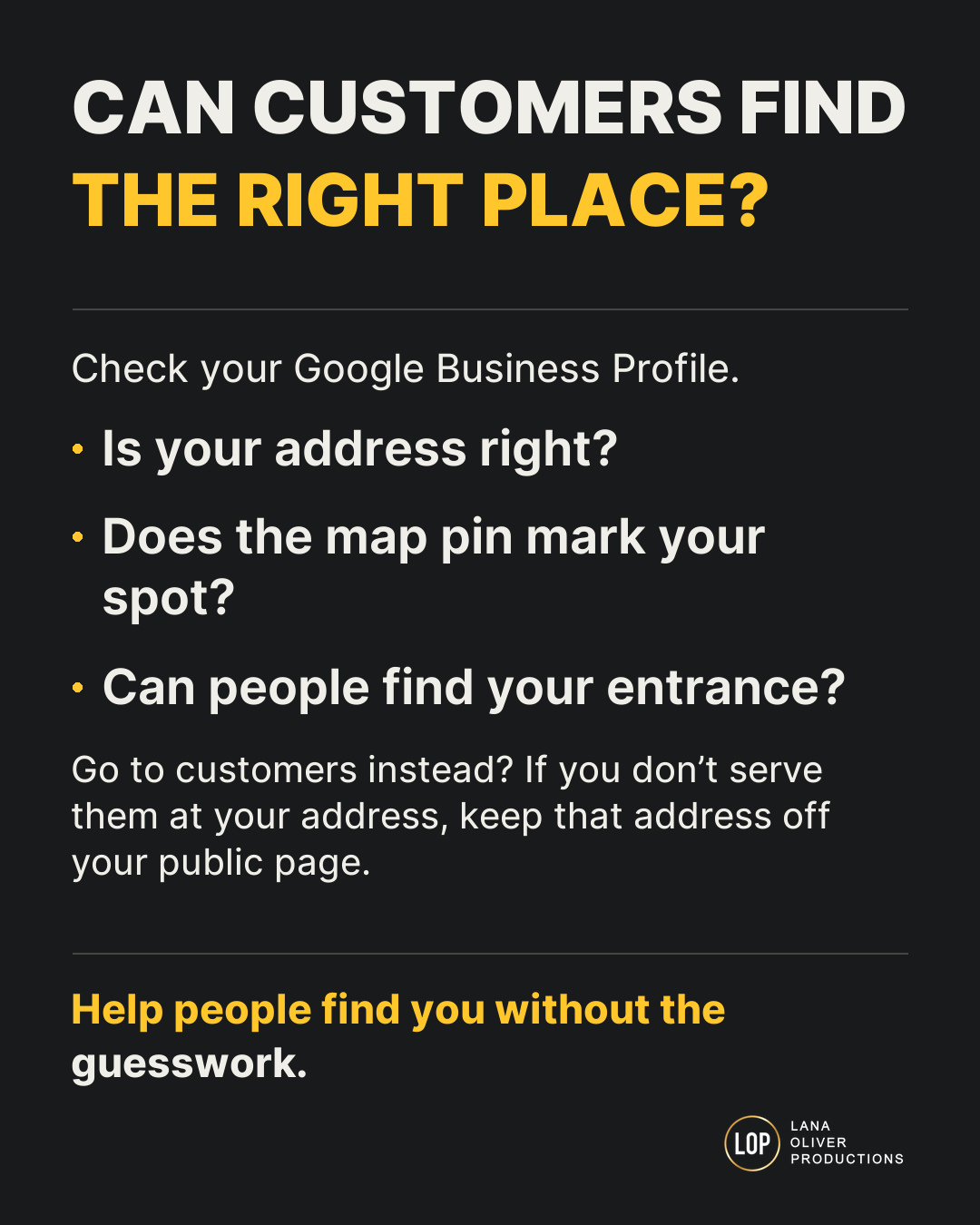
If customers visit you, check your street address, suite number, map pin, and entrance.
Open directions on your phone. See where they lead.
If you go to customers and do not serve them at your business address, hide that address and list the areas you serve.
Why it matters: People need to reach the right place. A home address should not be shown as a place customers can visit when you do not serve them there. Google’s service-area rules.
5. Choose the right category and services
Your main category should describe the kind of business you run.
Pick the closest fit. Add other categories only when they truly apply.
Where Google lets you list services, add the work you actually do. Use words your customers know.
Why it matters: Google and your customers need to understand what you offer. Adding more categories does not always make a profile better. How to choose business categories.
6. Keep your hours right
Check your normal hours, holiday hours, and short-term changes.
If pickup, delivery, or another service has its own hours, use the proper fields when available.
A social post about holiday hours does not fix the hours shown on your profile.
Why it matters: Wrong hours can waste a customer’s trip and hurt trust. How to set special hours.
7. Test every contact and action button
Use your phone to check the customer’s path.
- Does the phone number work?
- Does the website link open the right page?
- Does the booking button let someone book?
- Does the order link go to the right location?
Check links from outside booking and ordering services, too.
Why it matters: A person may be ready to buy, then give up because the next step fails. Google’s rules for business links.
8. Show what your business looks like today
Add clear, current photos of your business, work, team, or products.
If customers visit you, show the outside and entrance. Help them know what to look for.
Check menus, prices, and business details where those features are available. Only select features, such as parking or access options, that you know are true.
Why it matters: Current photos and details help people know what to expect. Google’s photo guidance.
9. Ask for honest reviews
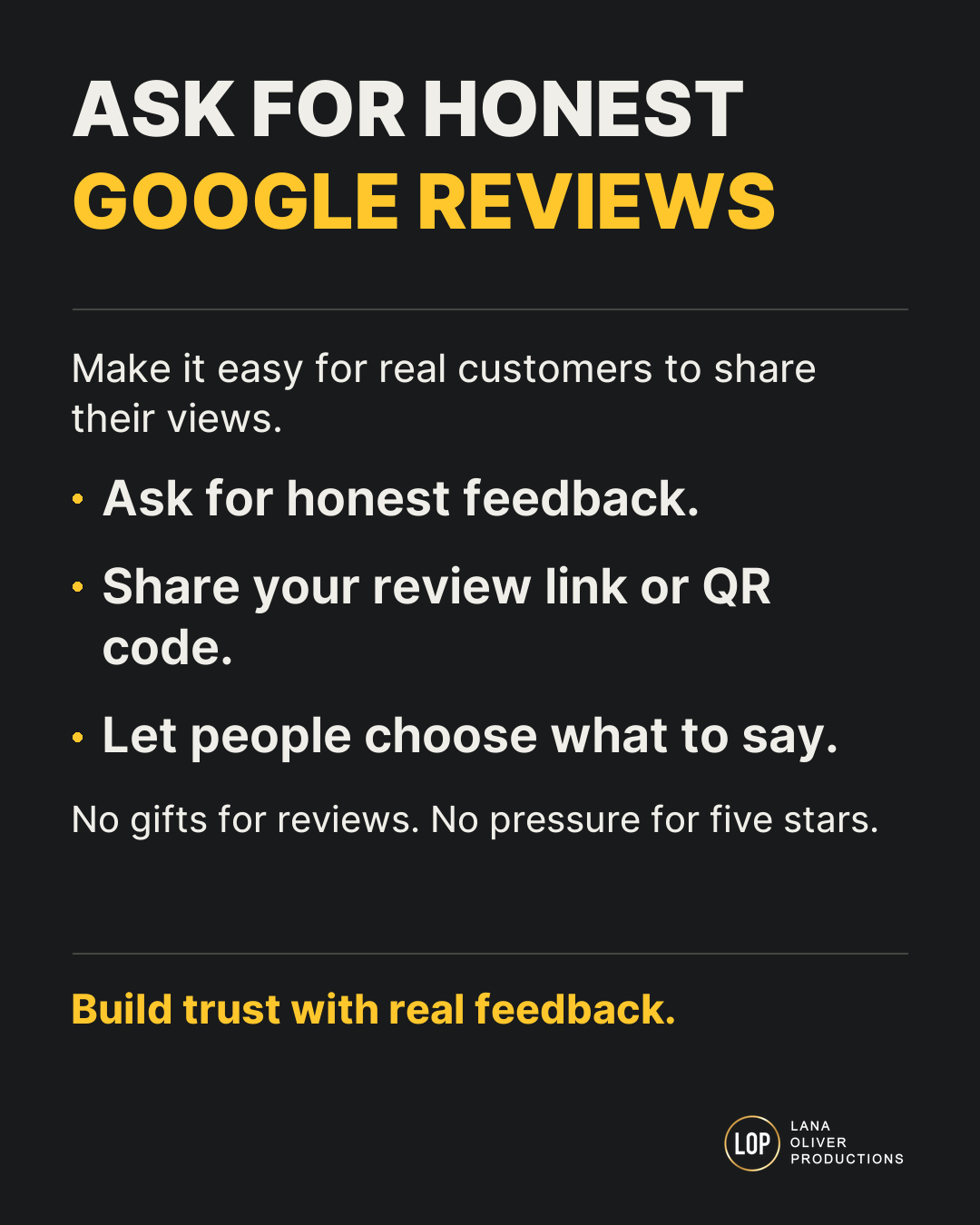
Ask real customers to share their own experience.
Keep the request simple:
“Would you share an honest Google review about your visit?”
Do not offer a discount, gift, or prize. Do not ask only the people you think will leave five stars. Avoid telling customers what to write or putting them under pressure.
Why it matters: Reviews should help people make a fair choice. Breaking Google’s review rules can lead to removed reviews and other limits. Google’s review policies.
10. Respond to reviews with care
Keep replies calm, kind, and useful.
For a concern, thank the person for speaking up. Offer a clear way to talk with your team. Keep private customer details out of the reply.
If a review breaks Google’s rules, report it. A review is not removed just because you disagree with it.
Why it matters: Your reply helps future customers see how you handle problems. Google’s guide to review replies.
11. Check what customers can actually see
Make a habit of looking at your public profile.
Google can update business details using other sources and user input. Some edits may also need review before they appear.
After making a change, check the customer view.
Why it matters: Saving a change and seeing it live are two different things. How Google updates business information.
12. Track real customer actions
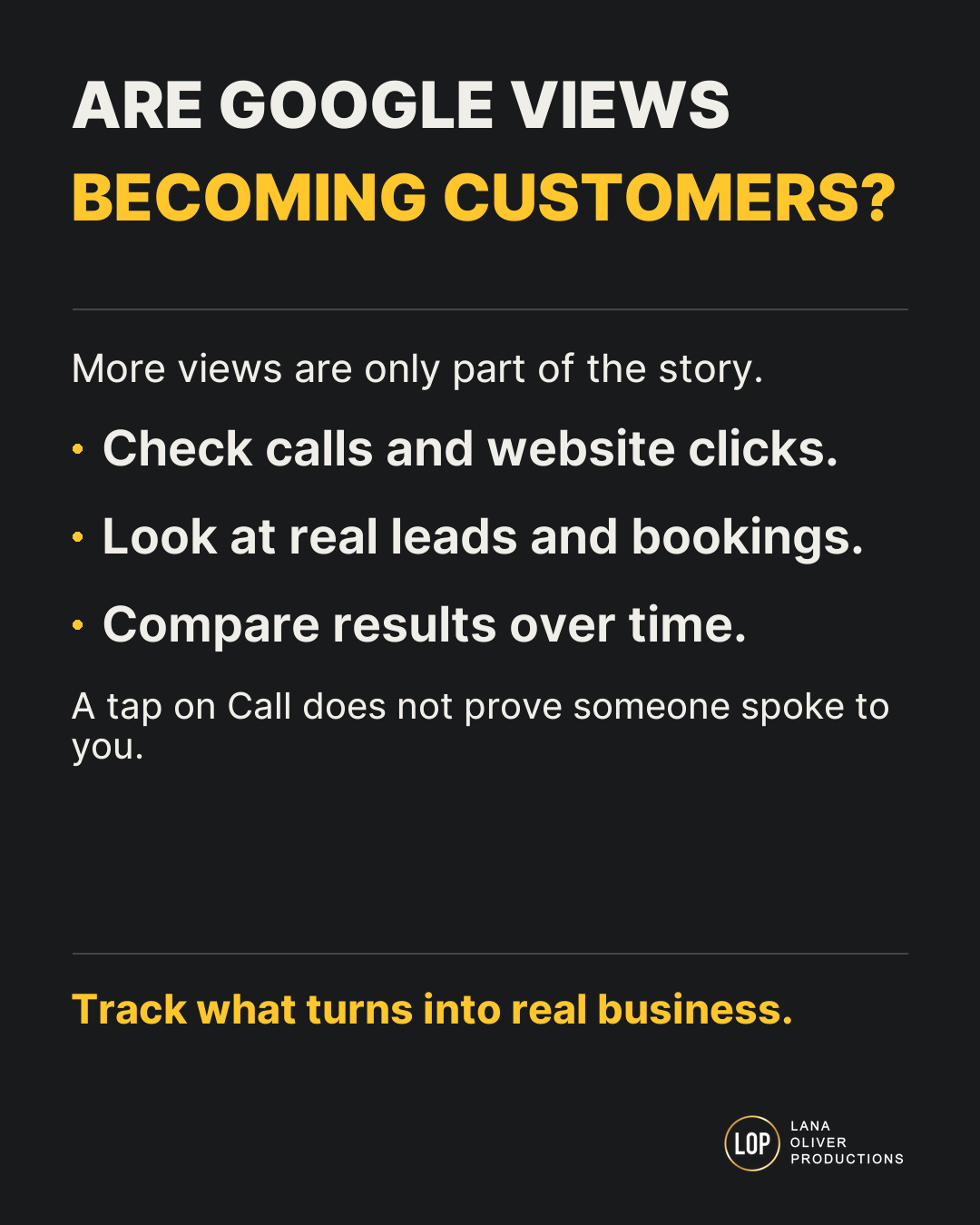
Look at your profile’s performance data. Then compare it with calls, bookings, orders, and leads your business receives.
A tap on the call button does not prove a call was answered. A directions request does not prove someone visited.
Why it matters: You need to know whether people are reaching your business and getting help. What Business Profile performance measures.
Will a complete profile put your business first on Google?
No. A complete profile does not guarantee the top spot.
Google says local results depend mainly on:
- Relevance: How well your business fits the search.
- Distance: How far your business is from the person searching.
- Prominence: How well known your business is.
Accurate details help Google understand your business. Reviews can help, too. But Google says businesses cannot pay for a better local ranking. Ads are separate. How Google’s local ranking works.
How often should you check your Google Business Profile?
A short weekly check is a useful routine. This is a practical habit, not a Google ranking rule.
Look for new reviews, wrong details, broken links, and changes that need your attention.
Update important facts as soon as they change. Check holiday hours before the holiday arrives.
Once a month, review the numbers and compare them with real customer activity.
Common questions about Google Business Profile
Is Google Business Profile free?
Yes. Google does not charge for the profile itself. Ads and paid help from a marketing company are separate costs.
Is Google Business Profile the same as Google My Business?
Google My Business is the older name. Google Business Profile is the current name.
Can I have a profile without a storefront?
Many businesses that visit customers can qualify. If customers do not come to your business address, follow Google’s rules for hiding it and setting your service area. Online-only businesses generally do not qualify. Check Google’s eligibility rules.
Does Google Business Profile replace a website?
They do different jobs. Your profile gives people quick facts and ways to act. Your website can explain your services, show your work, answer more questions, and help people decide.
Both should give customers the same clear, current facts.
Need one less marketing task on your list?
You know your business needs to be easy to find. Finding time to check every detail is the hard part.
Lana Oliver Productions helps businesses in Baton Rouge and Southern Louisiana with websites, content, and search visibility.
If you’re trying to handle your own marketing and it keeps slipping to the bottom of the list, tell us where you need help.
We can talk through what needs attention and build a plan that fits your business—so you can spend less time worrying about marketing and more time running it.
Find more practical marketing advice from LOP.
If this helped, add Lana Oliver Productions as a preferred source on Google. It helps our articles stand out when they appear in your search results.
Open the link, then check the box beside our name.
Add LOP as a preferred source