


Video production & post-production
POST-PRODUCTION INSIGHTS · STOCK DEMONSTRATION
Yes—when the recording contains the necessary video. An editor can feature a witness from an available camera view, enlarge a participant from a gallery recording, and give shared documents more space. The result depends on what was actually captured. Editing cannot recover a camera view that was never recorded or restore detail missing from a tiny video tile.
A busy Zoom recording can be difficult to follow. Several faces compete for attention, a shared document occupies a small part of the screen, and the person you need to watch may become a thumbnail. A careful edit can make the presentation clearer while preserving the content and timing of the retained dialogue.
Why a gallery recording can be hard to watch
In a gallery view, each participant receives only part of the picture. When the video is displayed inside a webpage or review window, each face becomes smaller still. Following one person while reading a shared document adds another task for the viewer.
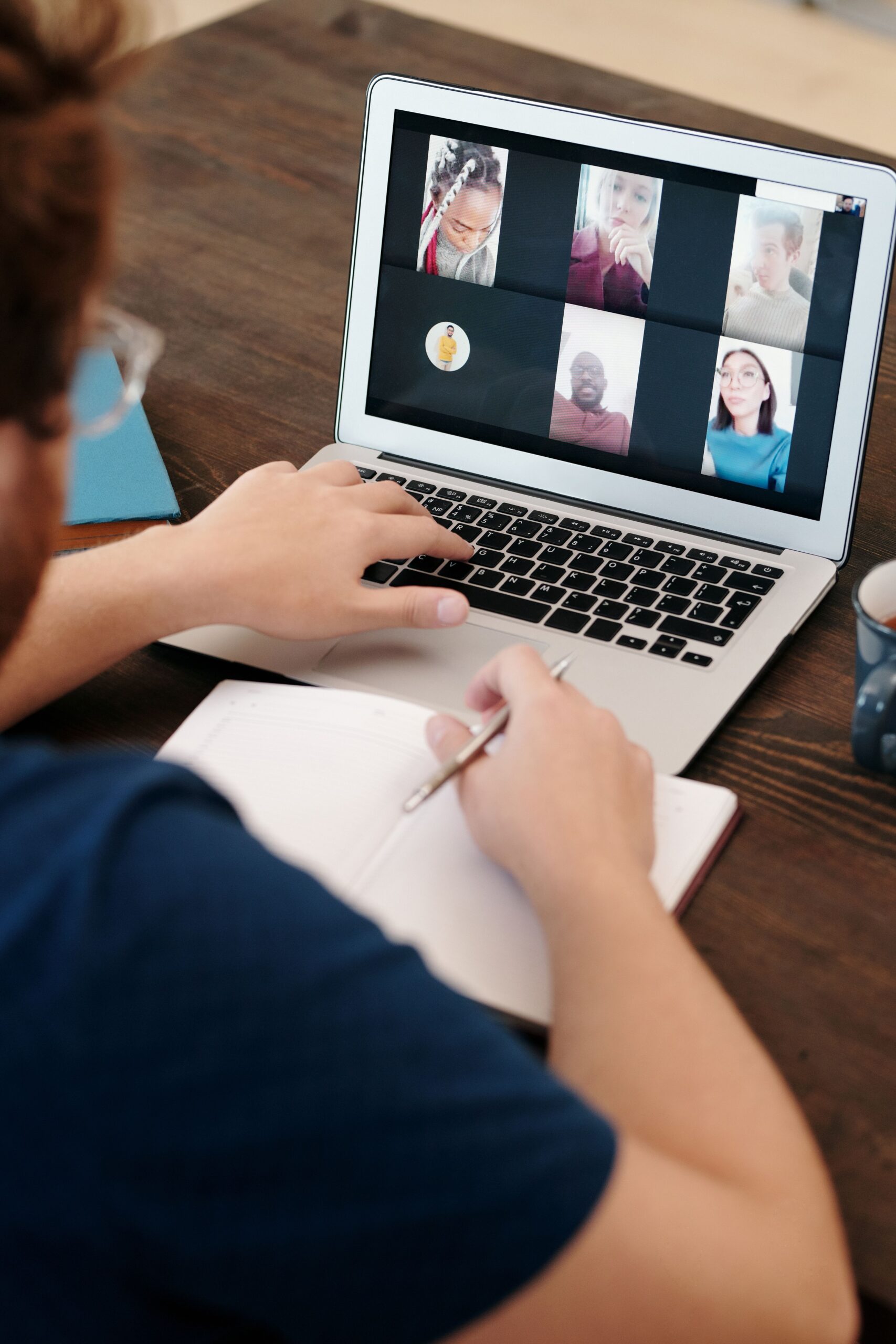
Before and after: a clearer presentation
Demonstration footage is a staged stock video-call gallery, not a verified capture made inside Zoom. It illustrates the editing approach; achievable quality depends on the actual files supplied.
1. Put the selected participant in focus
When the person remains visible in a gallery recording, cropping can give that participant more space. A separate, larger camera recording may offer a better result if one is available. Enlarging a small gallery tile improves its prominence, but may reveal softness or compression. We assess the source before promising how close the framing can be.
2. Make shared material easier to read
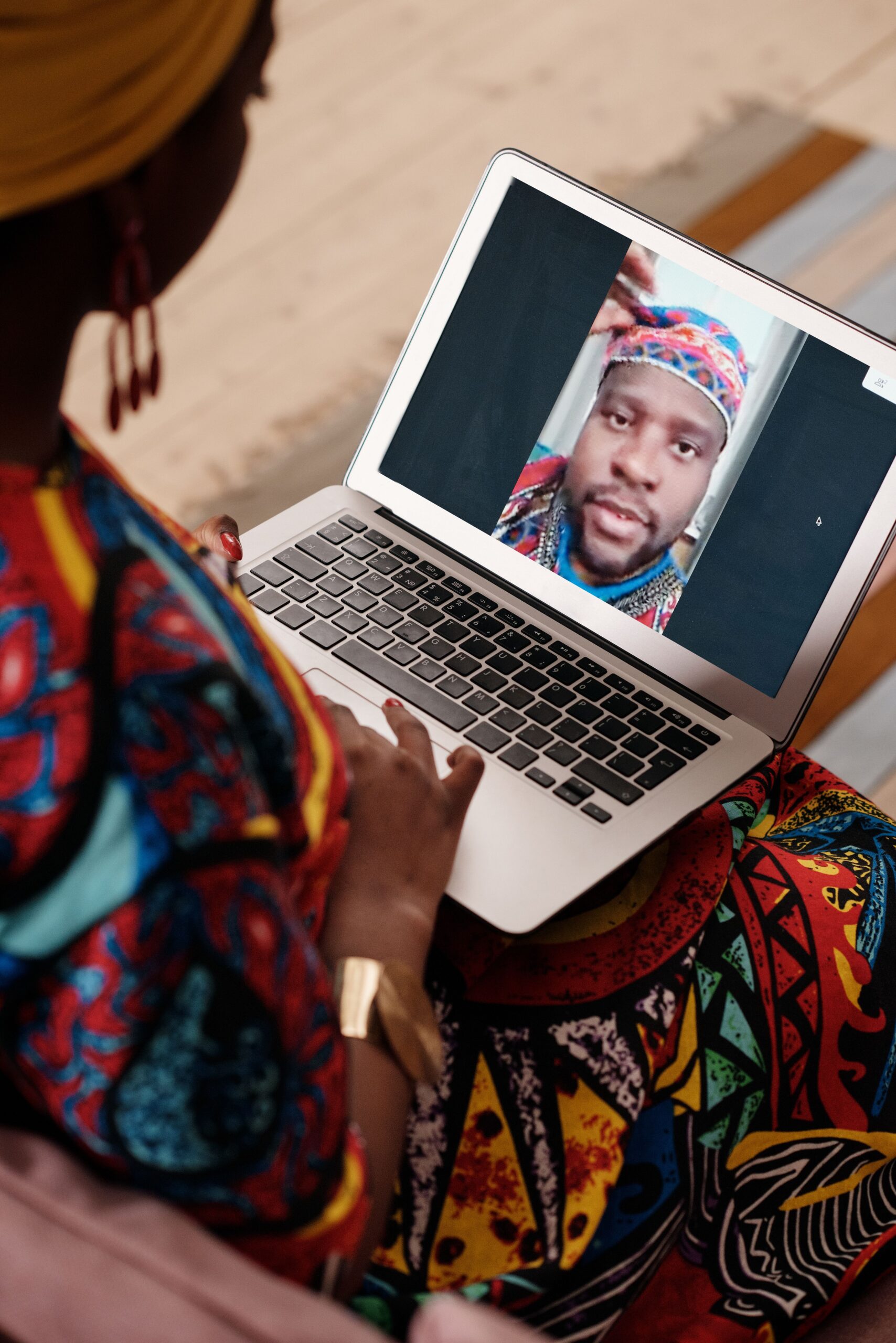
A document shown inside a small shared-screen panel may be difficult to read. If an authorized original document or a suitable screen recording is available, an editor can present it at a useful size for the relevant passage. The right treatment depends on whether the participant must remain visible at the same time.
The sample agenda above is entirely fictional. Its full-screen treatment demonstrates presentation choices; it makes no claim about the content of any deposition.
What files should you provide for a Zoom video edit?
Start with the original downloaded recordings, any separately recorded audio, the documents authorized for inclusion, and clear instructions about what should change. Include any alternate recording layouts that exist. Zoom supports separately recorded cloud layouts when configured; the files available after a meeting depend on the recording setup. See Zoom’s recording layout guidance.
Useful instructions explain which participant to feature, when to show documents, whether pauses or breaks should be removed, and which dialogue must remain uninterrupted. An editor should inspect the files and confirm what is achievable before building the final presentation.
What should be checked before delivery?
Review the entire finished program for framing changes, document timing, audio continuity, synchronization and the ending. Check names and labels against the approved instructions. Keep the original recording intact and distinguish the edited viewing version from the source.
For sensitive projects, agree on the permitted reviewers and sharing method before distributing a review copy. Approval should address both the presentation and the requested scope of editing.
Common questions about Zoom deposition editing
Can the finished video be 1080p HD?
Yes. A 1920 × 1080 sequence is a common delivery format. That describes the output frame, not the amount of detail in each source tile. Enlarging a small face to fill an HD frame does not make the original face recording HD.
Is a Zoom recording automatically a multicamera project?
No. A gallery view may be one flattened video containing several tiles. Separately recorded layouts can provide additional editing choices, but the editor needs to inspect the actual files.
Can you keep the witness visible during screen sharing?
Only if usable footage of the witness exists for that interval. An editor can arrange available recordings, but cannot recover an absent camera feed from a document-only recording.
How much does a Zoom recording edit cost?
The scope depends on runtime, available recording layouts, document work, audio condition, review requirements and revisions. A source review allows a quote based on the actual work.
Need help making a recording easier to follow?
Lana Oliver Productions can review the available files and discuss a clear presentation approach. Discuss your edit and the appropriate way to provide sensitive materials.
This article is an educational demonstration, not a description of an identifiable client engagement. Stock models and brands do not endorse LOP. Photo: Pexels License. Video: petrunine / Envato, used for this stock demonstration.